Logging in is not required for viewing pages, and not even for editing them. However, it provides additional features, like earning badges and is recommended in general for users who will be editing wikis on a regular basis.
In short
Creating a user account means that you supply a username (your real name or a nickname) and a password. A user account is created only once, and is then used to log in on subsequent visits.
Edits you make are recorded under your username. If you are not logged in your edits are recorded under your IP address. This address is not tied to your user account.
Why log in?
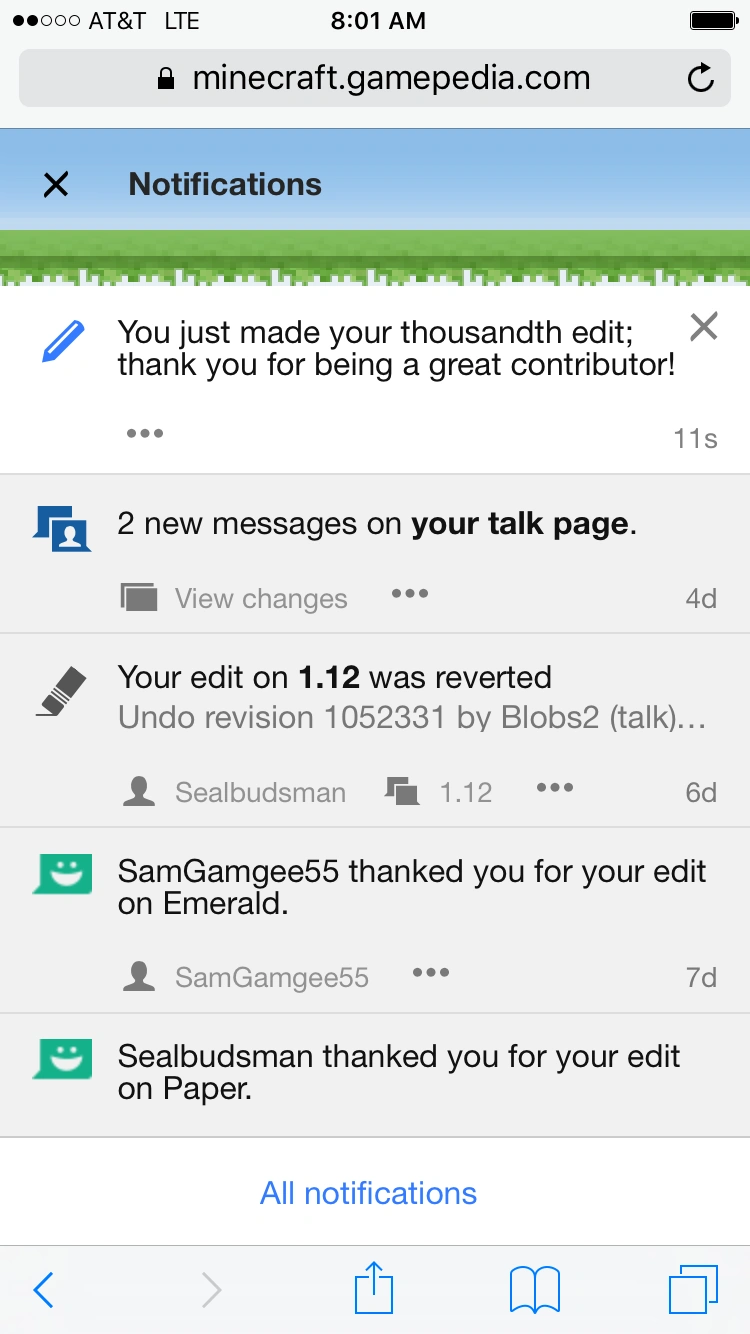

Notifications on the mobile view
You don't have to log in to read any public MediaWiki wiki. You don't even have to log in to edit, normally: anyone can edit almost any page, even without logging in.
However, it's still a good idea to log in, for several reasons:
- Other users will be able to recognize you by your username when you make changes to pages. As a "name" an IP address is somewhat clumsy. Also, if you use computers at different locations (home, office, internet cafe, etc.) you have a different IP-address in each case; even in the same location, depending on the Internet connection, the IP-address may be different each time. Therefore a username is better to maintain an identity.
- You will have your own user page where you can write a bit about yourself, and a user talk page which you can use to communicate with other users.
- You will be able to mark an edit as minor, which avoids inconvenience for other users.
- You will be able to keep track of changes to pages you are interested in using a watchlist.
- You will be able to rename pages.
- You will be able to set your own preferences, to change things such as:
- the number of pages displayed in Recent changes,
- the fonts, colors and layout of the site, by using different skins.
- your signature
- You will be able to earn achievements.
How to log in
Click on the "Log in" link at the top right of the page. You will then be prompted to enter your username and password. If you haven't logged in before, you will need to use the link provided to create an account. You may give your email address if you like.
If you click the box "Keep me logged in", you will not have to give your password again when you access that MediaWiki wiki from the same computer. This feature will only work if your password was not generated by the Mediawiki software.
Log in problems
If you appear to be able to log in, but as soon as you try to look at a page after the 'Log in successful' page you appear logged out again, it is very likely to be a cookie problem.
- Make sure that your browser accepts cookies. Some browsers can accept or reject cookies from individual sites; users of these should configure the browser to accept cookies from each wiki you plan to edit.
- If you are certain that cookies are enabled, make sure that you haven't inadvertently listed the wiki's domain on a list of sites for which cookies are never allowed (blacklisting). This feature is available in all recent browsers.
- Make sure your computer's date and time are set correctly. If they are not, cookies may expire before they are supposed to.
- Note that some firewall and ad-blocking software may interfere with the cookie that the wiki uses to keep a person logged in.
A user may occasionally find him/herself "automatically" logged out in between beginning an edit and saving it, or when switching between multiple pages open in multiple windows. This can be a result of your browser's cookie, cache, or firewall settings. Regardless of the reason for the log out, the simplest solution to the problem is to check the "Keep me logged in" box when entering your login name and password. If you do this on a computer that can be accessed by more than one person (i.e. at the library, at work, at school), please make sure to log out manually when you are done.
What if I forget my password or username?
If you entered an email address when signing up for the account, or chose to enter an email address in your Preferences, you can click the "Trouble logging in?" link under the Password line. This will allow you to reset your password, or obtain your username, via email.
If you did not enter an email address, or the address is out-of-date, you will have to create a new account under a different username.
Creating an account
To create an account, click "Register" in the upper-right corner of any Gamepedia page.
Logging out
You can log out any time by clicking on the "Log out" link at the top right of the page.
Most wikis log users out automatically after a certain time. If that happens and you try to save an edit, you will normally see a warning message that you are logged out.